

Monthly status report to leadership
The report takes hours, invites copy-paste mistakes, and is often stale by the time leadership reads it.
The work already crosses these systems:
From scattered checks to one governed run.
Today
Someone exports four dashboards, pastes numbers into slides, and reconciles the differences by hand the night before the review.
With NopsAI
A scheduled pipeline collects delivery, reliability, customer-impact and automation-cost data, adds NopsAI usage metrics, and produces leadership-ready output in whatever format is needed.
Recurring reporting turns from manual assembly into a fresh, auditable output.
The run, step by step.
Deterministic work first, reasoning inside the tools and written policies the pipeline bound to it, and a named human at every gate its author placed.
Trigger
A monthly schedule runs on the first working day, under a reporting service account.
Collect context
Delivery throughput, incident counts, customer impact and platform AI cost are collected in one pass.
Verify state
Deterministic reconciliation checks that each figure comes from exactly one authoritative source.
Reason
A reporting role writes the narrative, and is instructed never to assert a trend the data does not support.
Approve
The engineering leader reviews before distribution.
Execute and record
Markdown, PDF and Excel outputs are generated from the same run, all traceable to their sources.
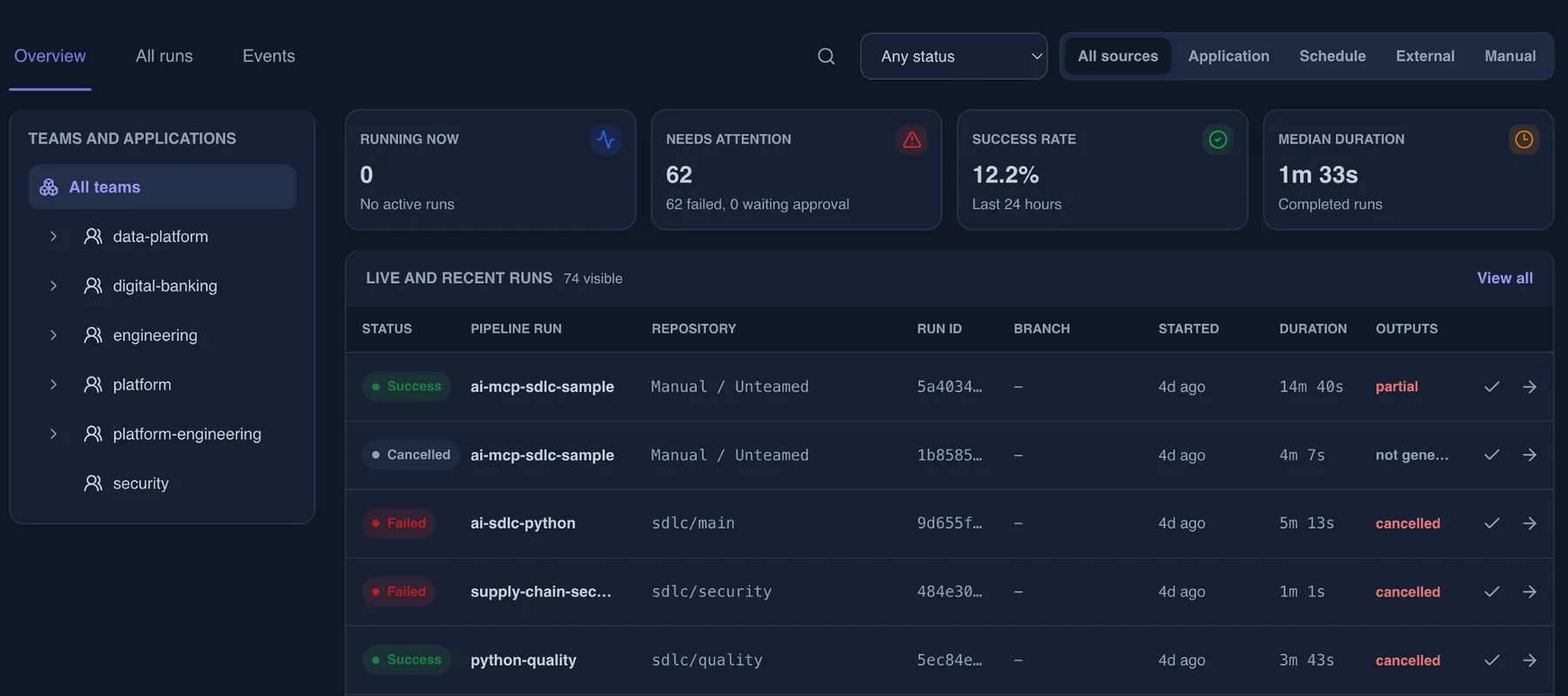
What the run leaves behind.
The useful part is not only the automation. It is repeatability with proof.
Trigger and subject
What started the run and which effective identity it ran as.
Authorization snapshot
Which resources were checked, and which decision each check returned.
Knowledge in scope
The guardrails, policies and runbooks that bounded each decision, stored as text with the run, plus the governance level that applied.
Tool and AI activity
Every tool call, the profile that allowed it, and the model usage it consumed.
Task history and timings
Every task, its state transitions, its duration and the logs it produced, with known secret values masked.
Approvals and outputs
Who approved, when, and the deliverables the run produced.
← A new employee onboards to a project
Docs go stale, active work is scattered, and every new hire rebuilds the same mental model on their own.
A customer-reported bug needs to ship as a hotfix →
The fix is small, but no single durable trail connects the complaint, the code change, the test result and the emergency approval.
Map this workflow against your controls.
Bring the trigger, the tools it touches, the approvers, the runtime boundary and the evidence you need to keep.