

A new employee onboards to a project
Docs go stale, active work is scattered, and every new hire rebuilds the same mental model on their own.
The work already crosses these systems:
From scattered checks to one governed run.
Today
A buddy pastes a handful of links, the new hire reads a two-year-old architecture page, and the real context arrives through interruptions over three weeks.
With NopsAI
A one-off onboarding pipeline gathers architecture docs, current sprint tickets, recent PRs and coding guidelines, flags what is stale, and generates a tailored onboarding report.
Every new hire gets the same reliable starting point, generated from live context.
The run, step by step.
Deterministic work first, reasoning inside the tools and written policies the pipeline bound to it, and a named human at every gate its author placed.
Trigger
A manager starts the run manually and selects the project scope.
Collect context
Architecture documents, ADRs, the active sprint and the last month of merged PRs are gathered.
Verify state
Deterministic checks flag documents that have not changed since a major architectural shift.
Reason
An onboarding-guide role assembles a reading order and calls out what is confirmed stale.
Approve
The team lead reviews before it goes to the new hire.
Execute and record
A PDF onboarding report is generated as a run-owned output.
What the run leaves behind.
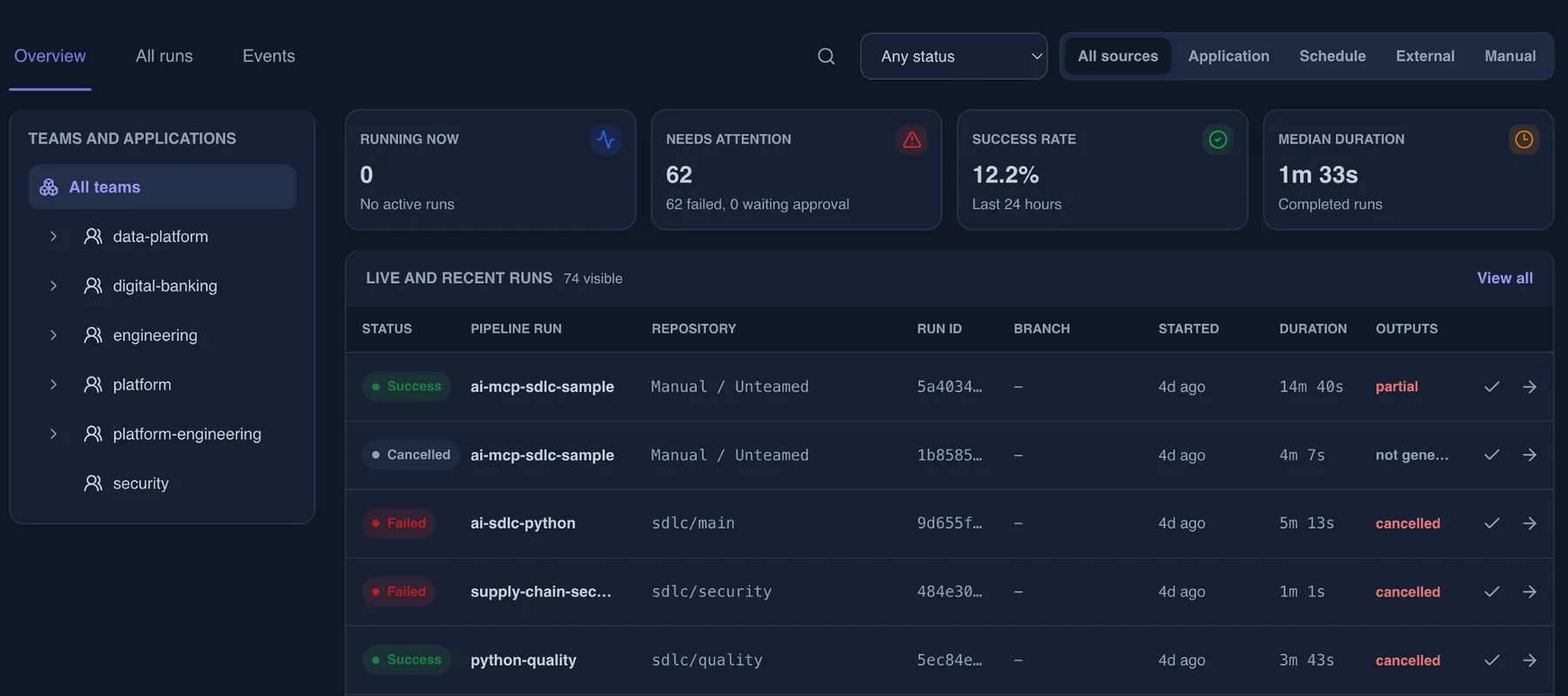
The useful part is not only the automation. It is repeatability with proof.
Trigger and subject
What started the run and which effective identity it ran as.
Authorization snapshot
Which resources were checked, and which decision each check returned.
Knowledge in scope
The guardrails, policies and runbooks that bounded each decision, stored as text with the run, plus the governance level that applied.
Tool and AI activity
Every tool call, the profile that allowed it, and the model usage it consumed.
Task history and timings
Every task, its state transitions, its duration and the logs it produced, with known secret values masked.
Approvals and outputs
Who approved, when, and the deliverables the run produced.
← A security vulnerability scan flags an issue
One vulnerability can span many repos and teams. Manual discovery is slow, incomplete and easy to miss under SLA pressure.
Monthly status report to leadership →
The report takes hours, invites copy-paste mistakes, and is often stale by the time leadership reads it.
Map this workflow against your controls.
Bring the trigger, the tools it touches, the approvers, the runtime boundary and the evidence you need to keep.